
How to Register at Golden Star Casino in Canada
Registration at Golden Star takes a few minutes, and the form asks for a little more than an email address: your name, your date of birth, a password, a mobile number and a currency. Country and currency are set automatically for Canadian players, so the fields already read Canada and CAD. No documents are uploaded at this stage. One account per player is allowed, so a duplicate profile is closed rather than merged, and the site is open to players aged 18 and over. Getting the currency and the promo code right during sign up saves trouble later, and both are covered below. The brand itself is described on the Golden Star Casino Canada home page.
Before You Register
Nothing unusual is required, but two of the choices on the form are hard to undo, so it is worth reading this list before you start.
- You must be 18 or older, and both the date of birth field and the checkbox confirm it
- Your real name and date of birth, because they have to match the documents used for verification later
- A mobile number, since the form asks for one next to the +1 code
- A working email address, because the account is activated through a link sent to it
- One account per player, so check whether a profile already exists before creating another
- A currency choice that is not always reversible later, so Canadian players should pick CAD at this point
- A promo code if you want the welcome offer, entered on the form or in the cashier before the first payment
Golden Star Sign Up Step by Step
The form opens from the Sign up button in the header and also sits under the welcome banner on the front page. Both open the same form, and the sequence below follows it field by field.
Tap Sign up in the site header
Press Sign up in the top right corner. The same form also sits under the welcome banner on the front page.
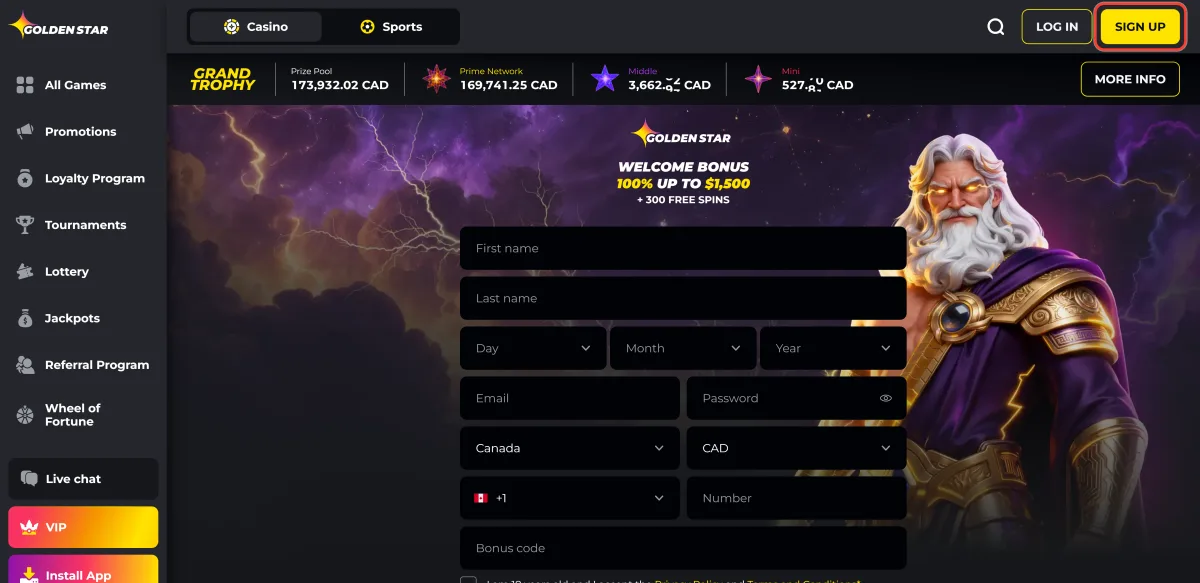
Enter your first and last name
Use the name that appears on your identity document. The cashier checks it against the documents when a withdrawal is verified, and a mismatch holds the payout up.
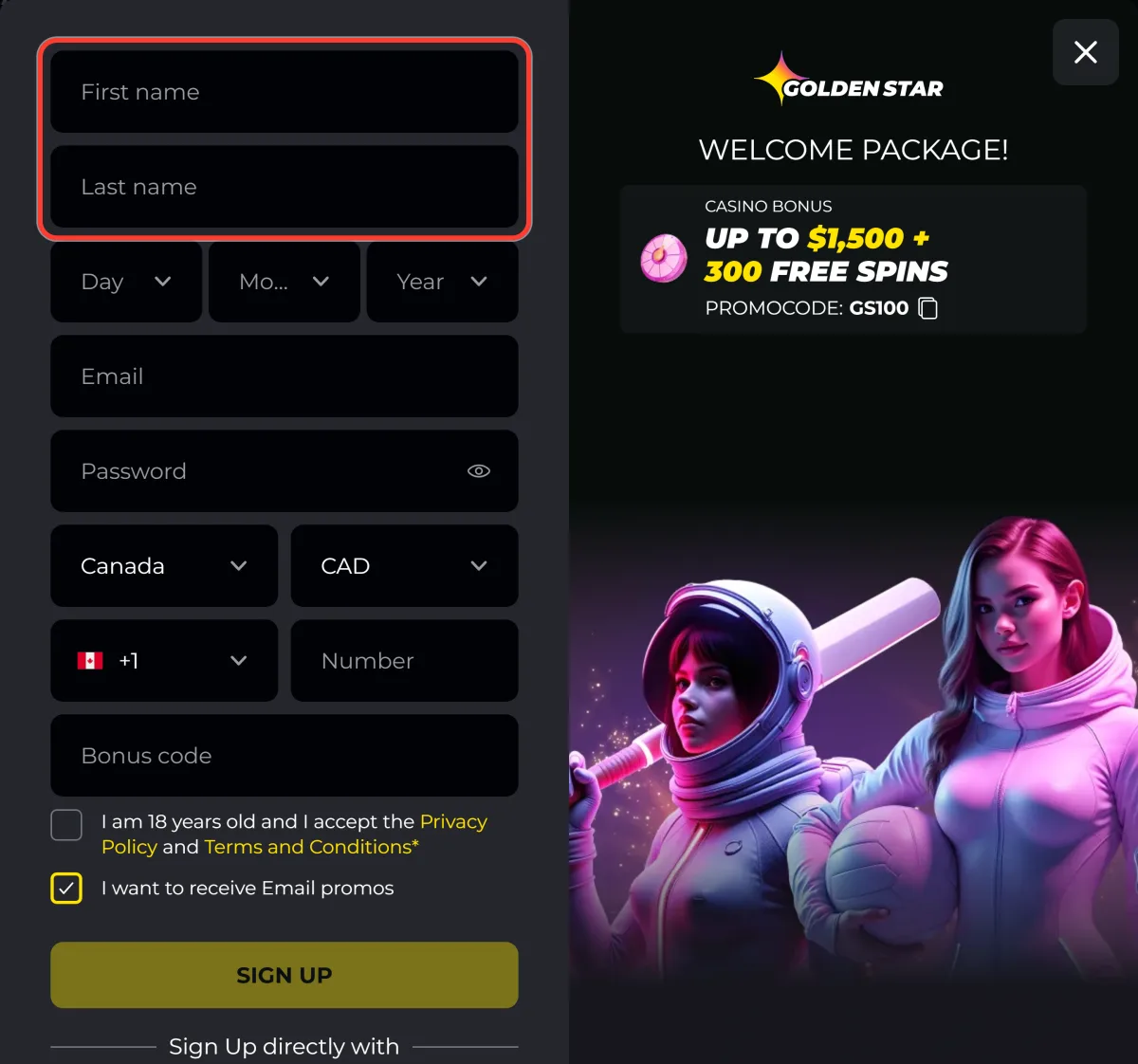
Set your date of birth
Pick the day, the month and the year in the three selectors. The account is refused if the date puts you under 18.
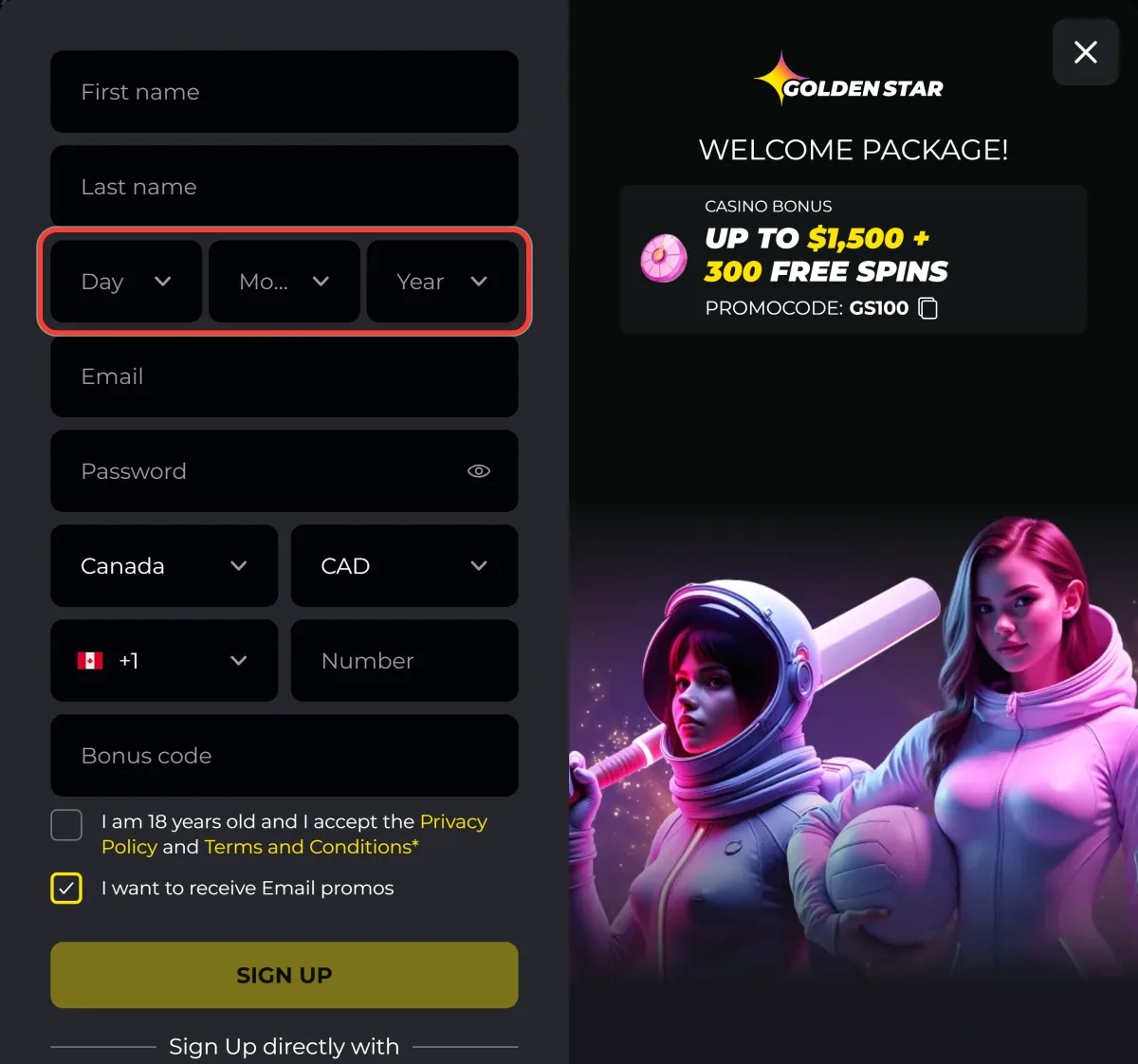
Enter your email address
The activation link goes to this address, so use a mailbox you can open straight away.
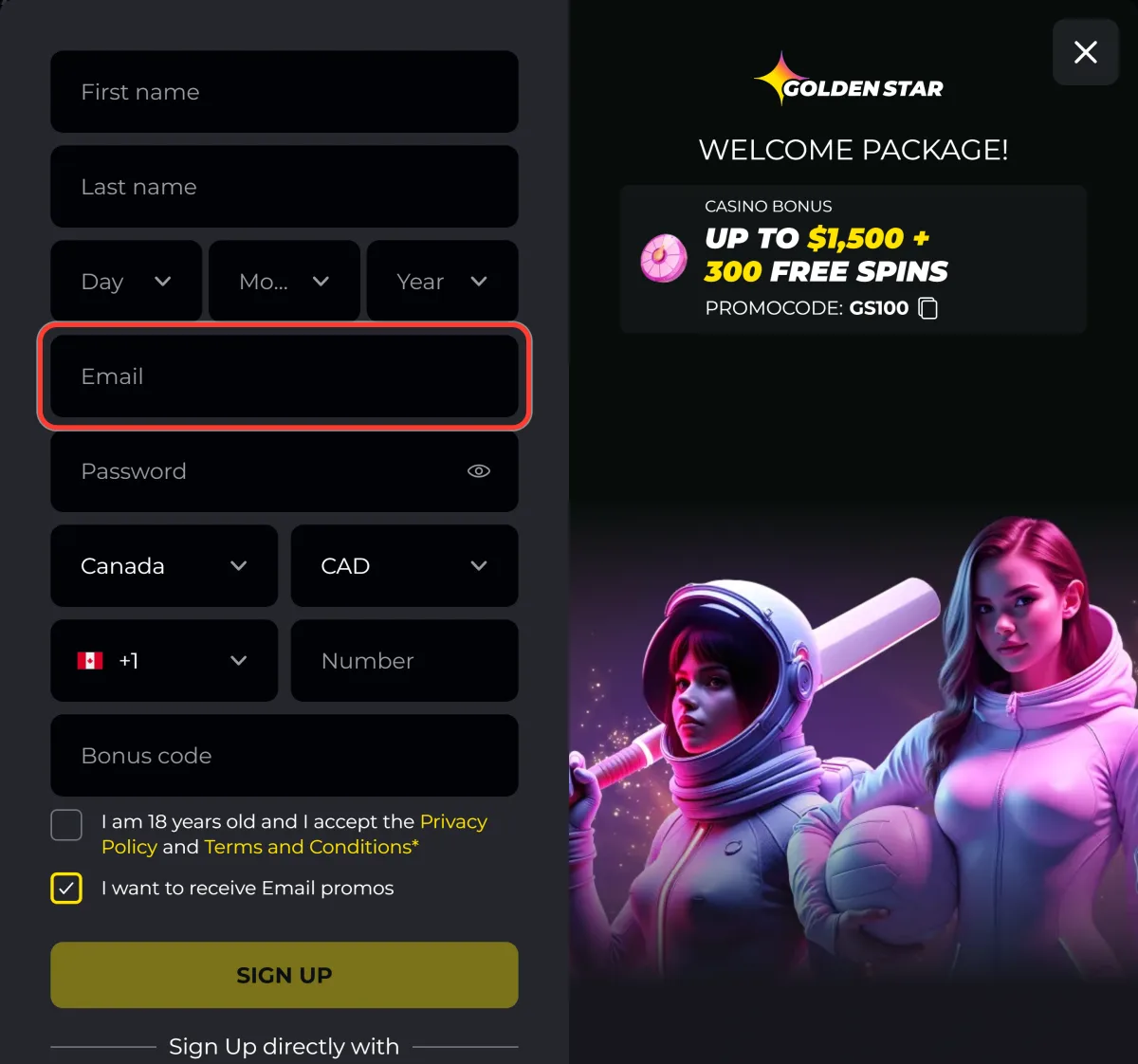
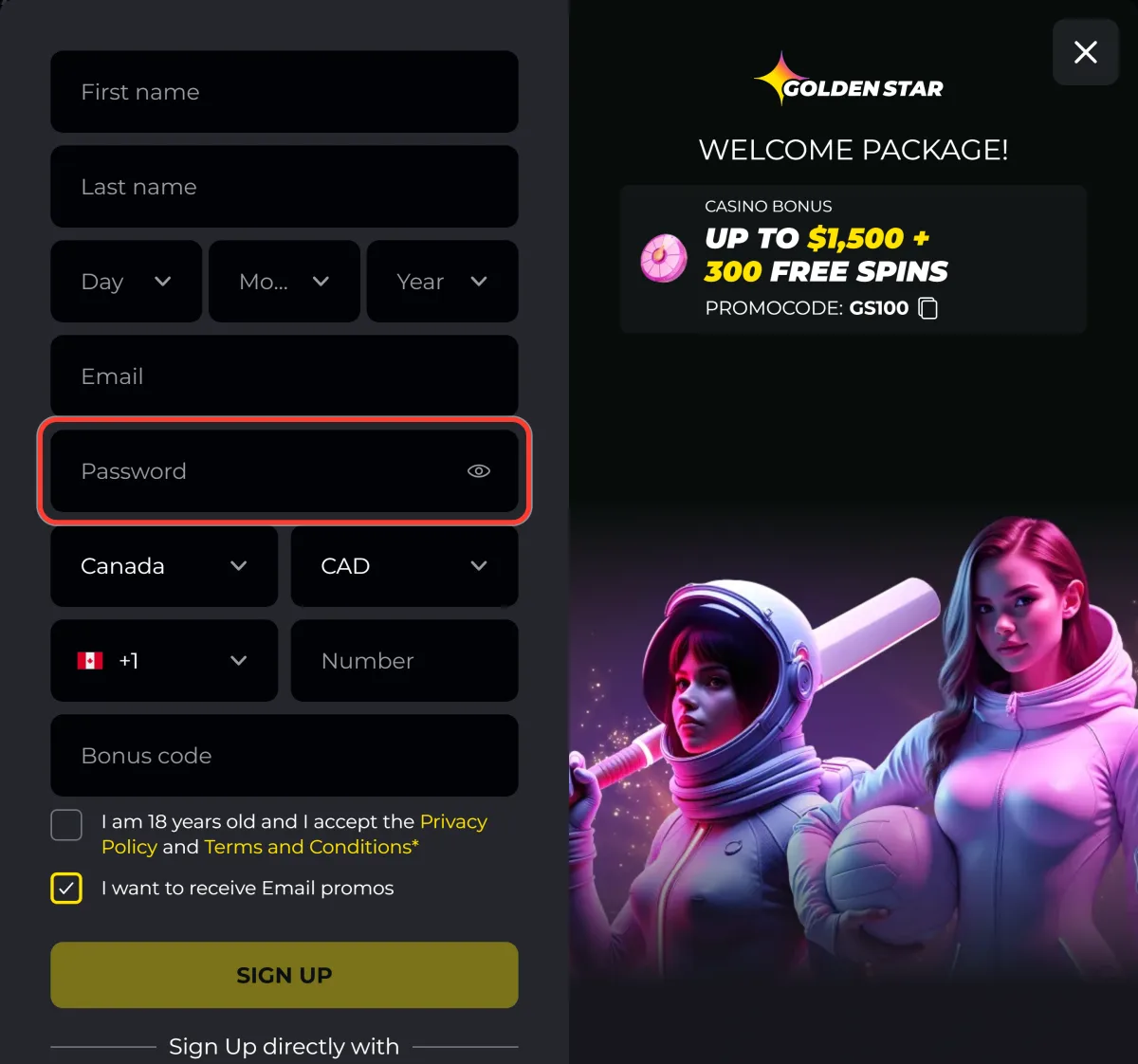
Create a password
Choose a password you do not use elsewhere and check it with the eye icon before continuing.
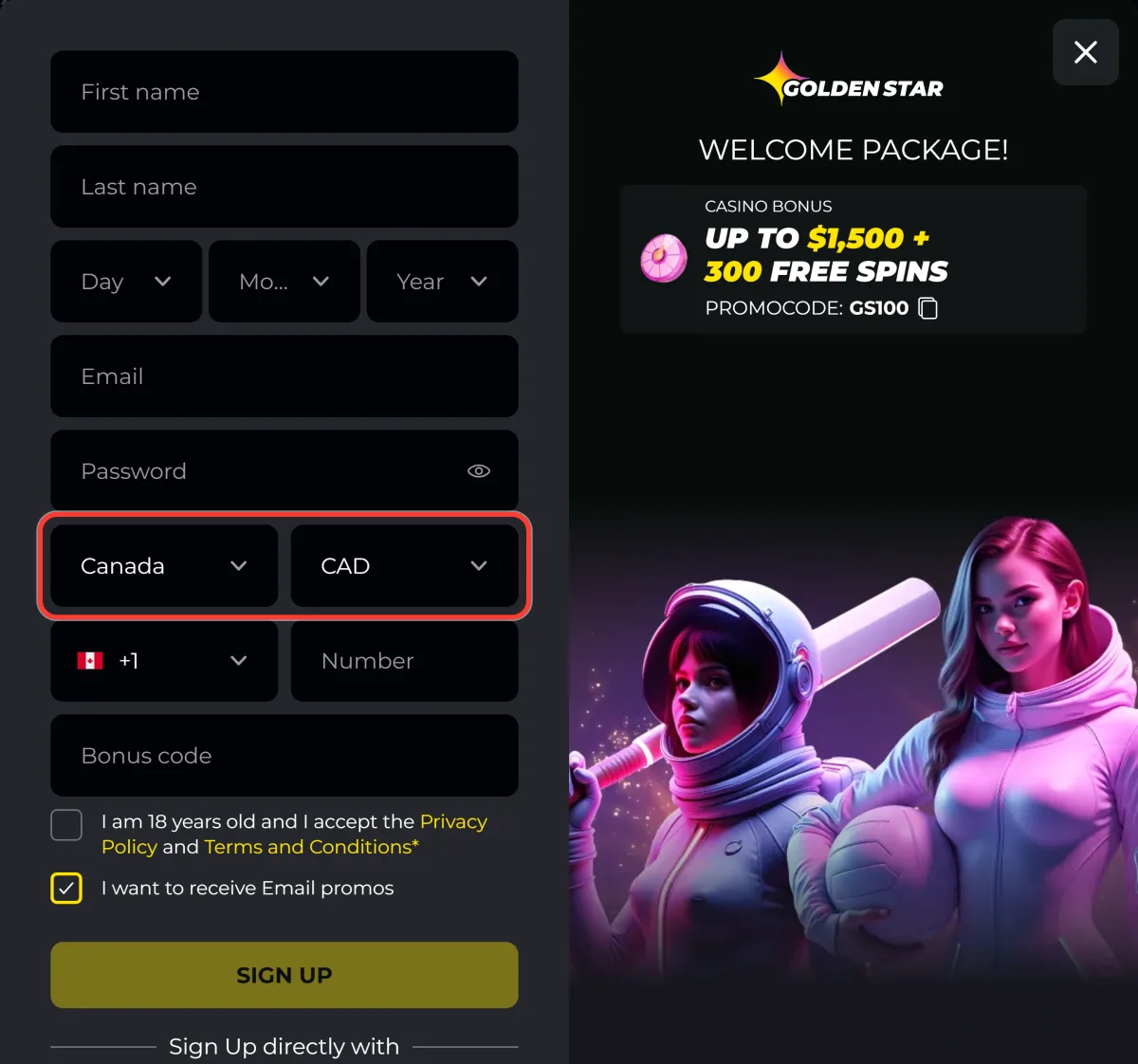
Check that Country is Canada and Currency is CAD
Both fields are filled in automatically for Canadian players. Leave them as they are: the currency is fixed once the account exists.
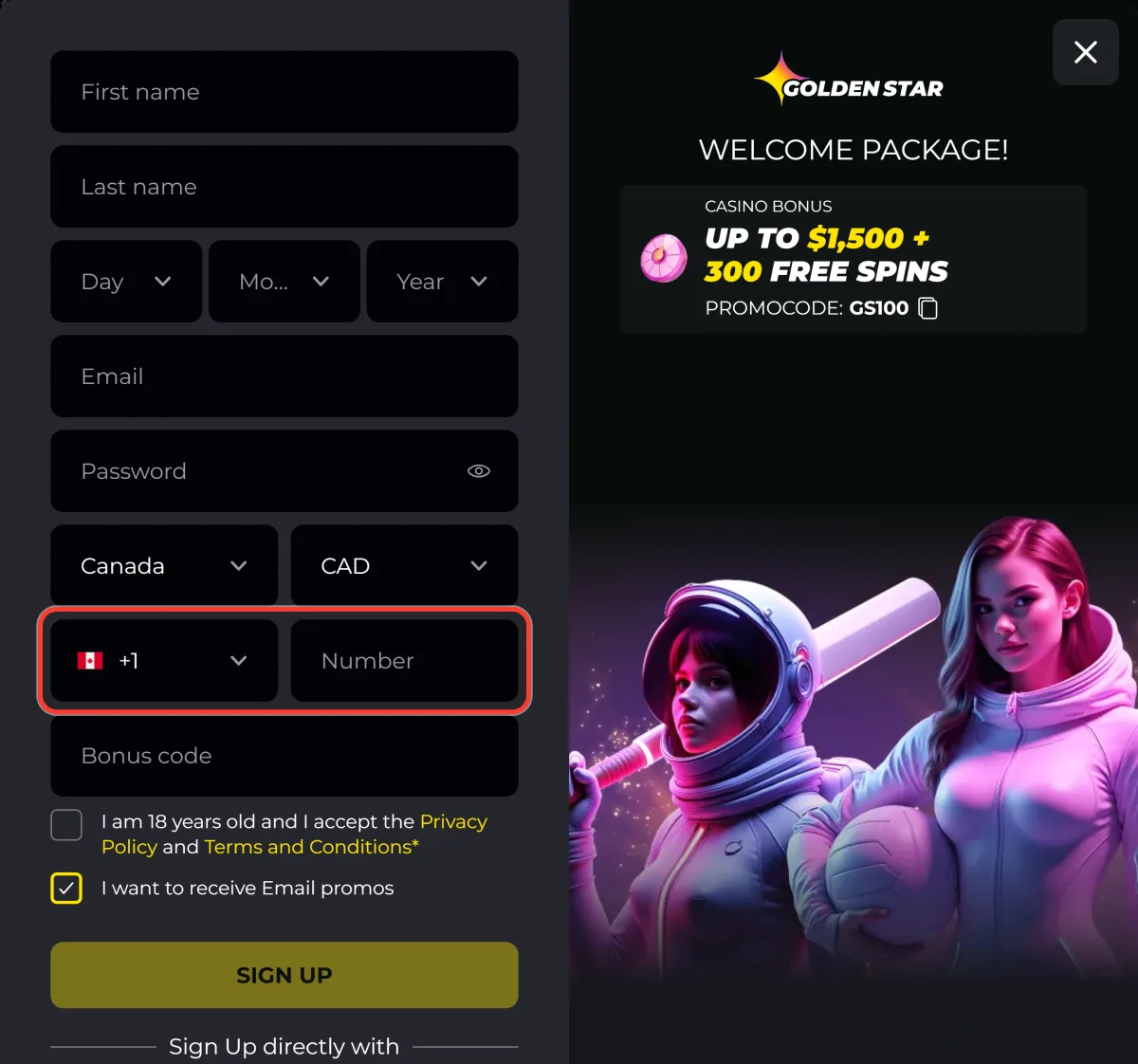
Add your mobile number
The code is already set to +1, so only the number itself is needed. Support uses it to confirm identity by phone.
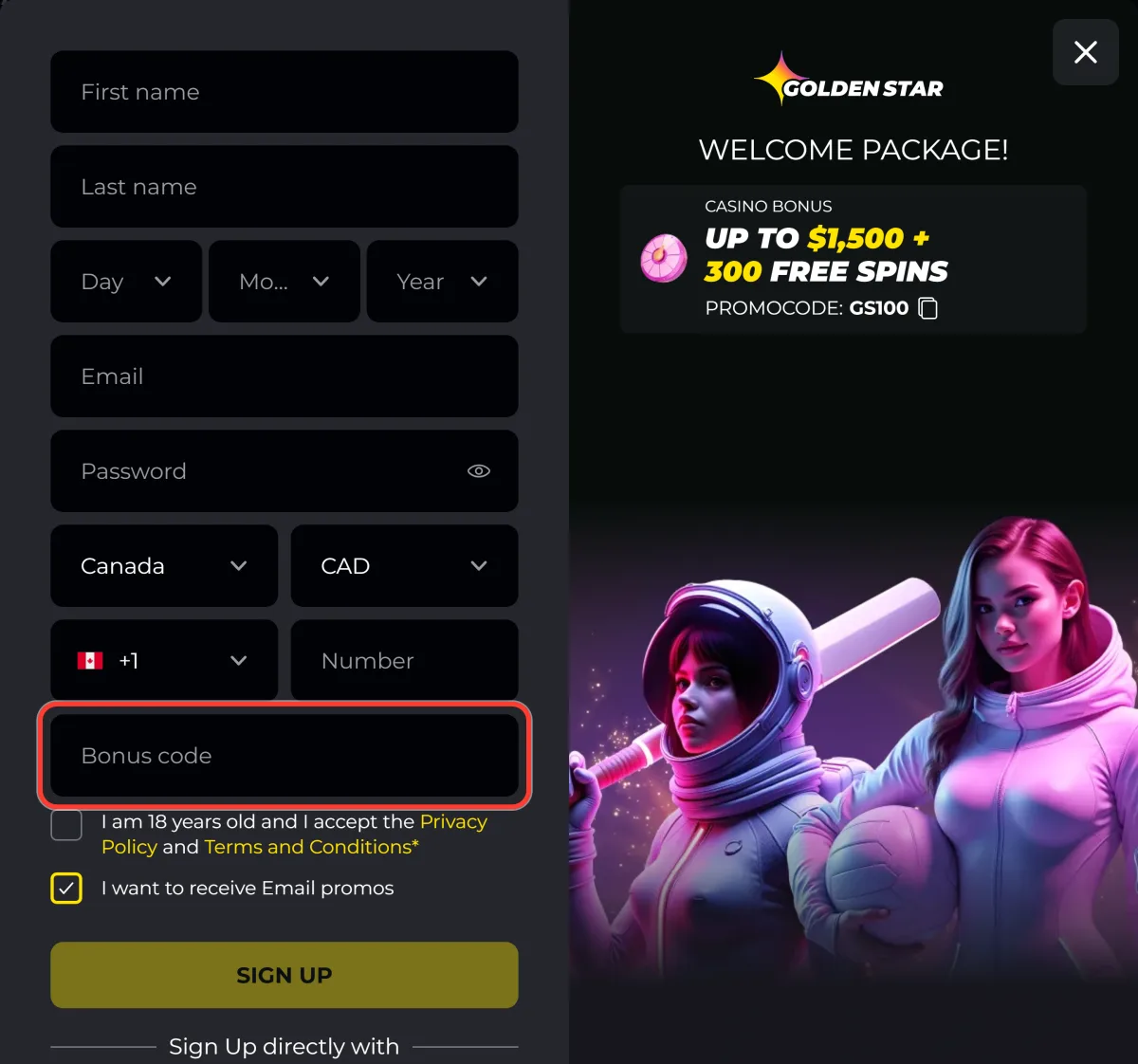
Enter bonus code GS100
Type the code in the bonus code field. It can also go into the cashier, but only before the first deposit is confirmed.
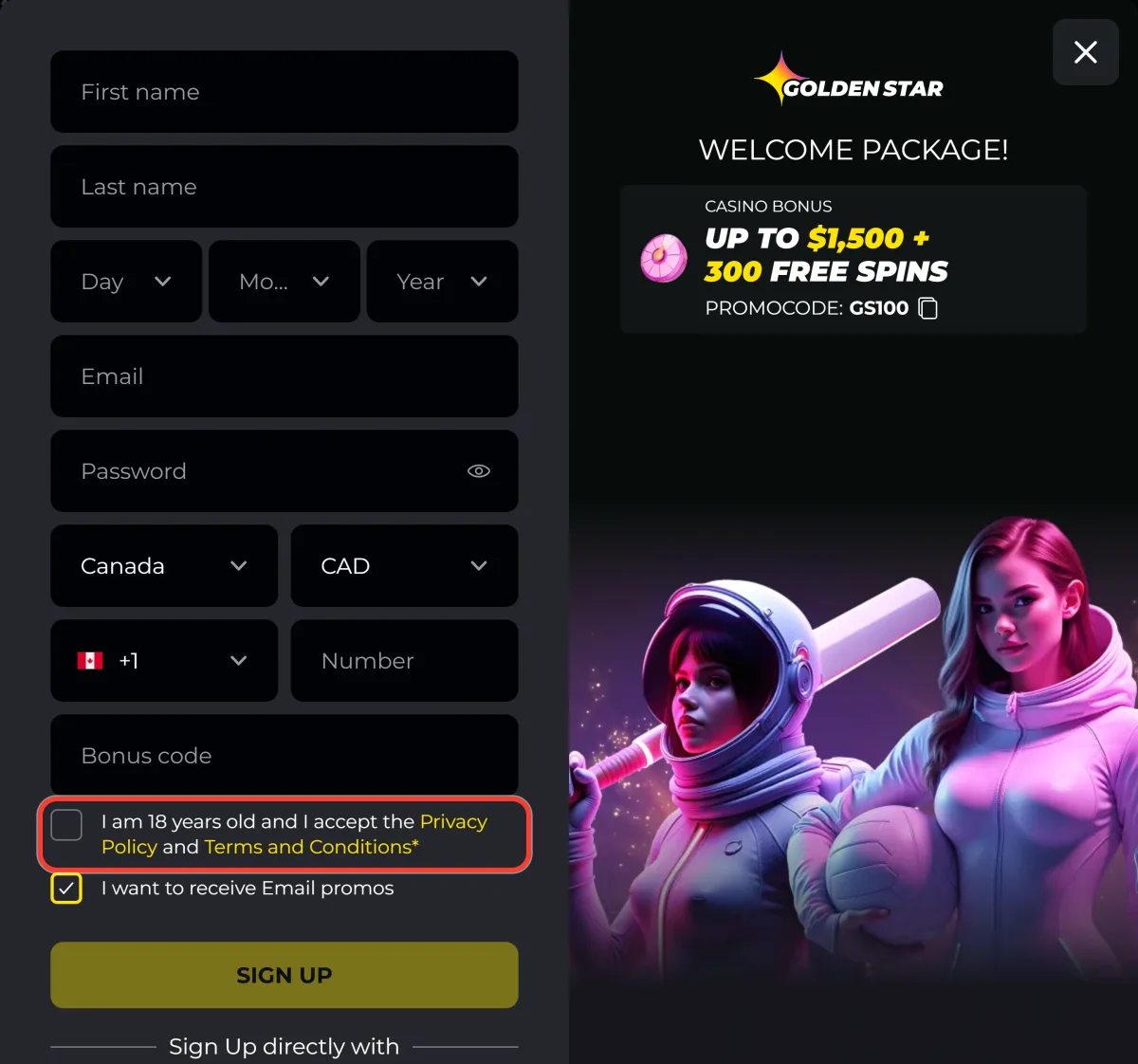
Tick the 18+ and terms checkbox
Confirm that you are 18 or older and accept the privacy policy and the terms. The email promos box above the button is optional.
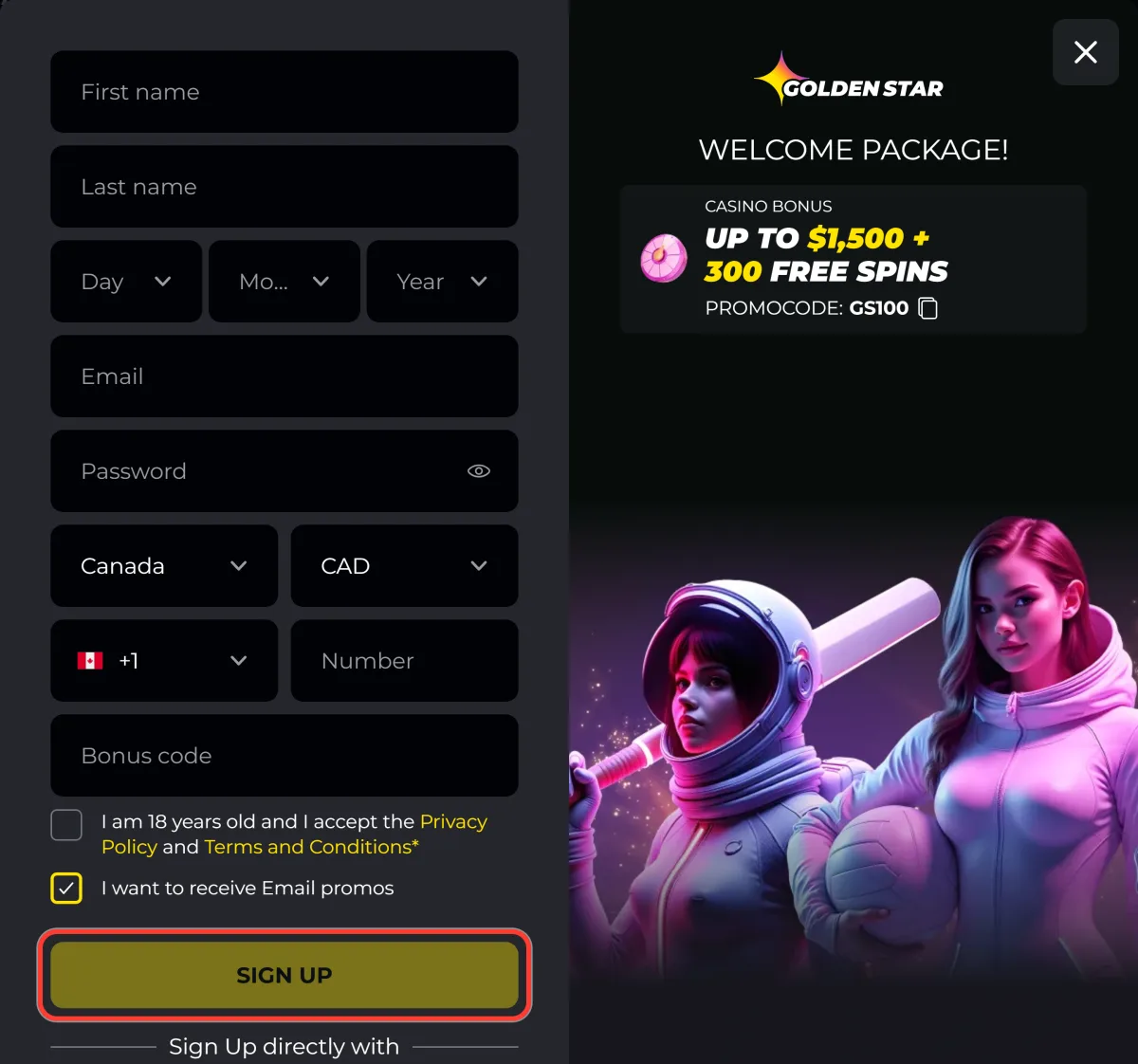
Press SIGN UP
The button submits the form. Any field left empty is marked in red instead of the account being created.
Confirm your email through the link in the message
Open the confirmation email and follow the link. The account is active from that moment and the cashier accepts a first deposit.
Registration from a Phone or the PWA
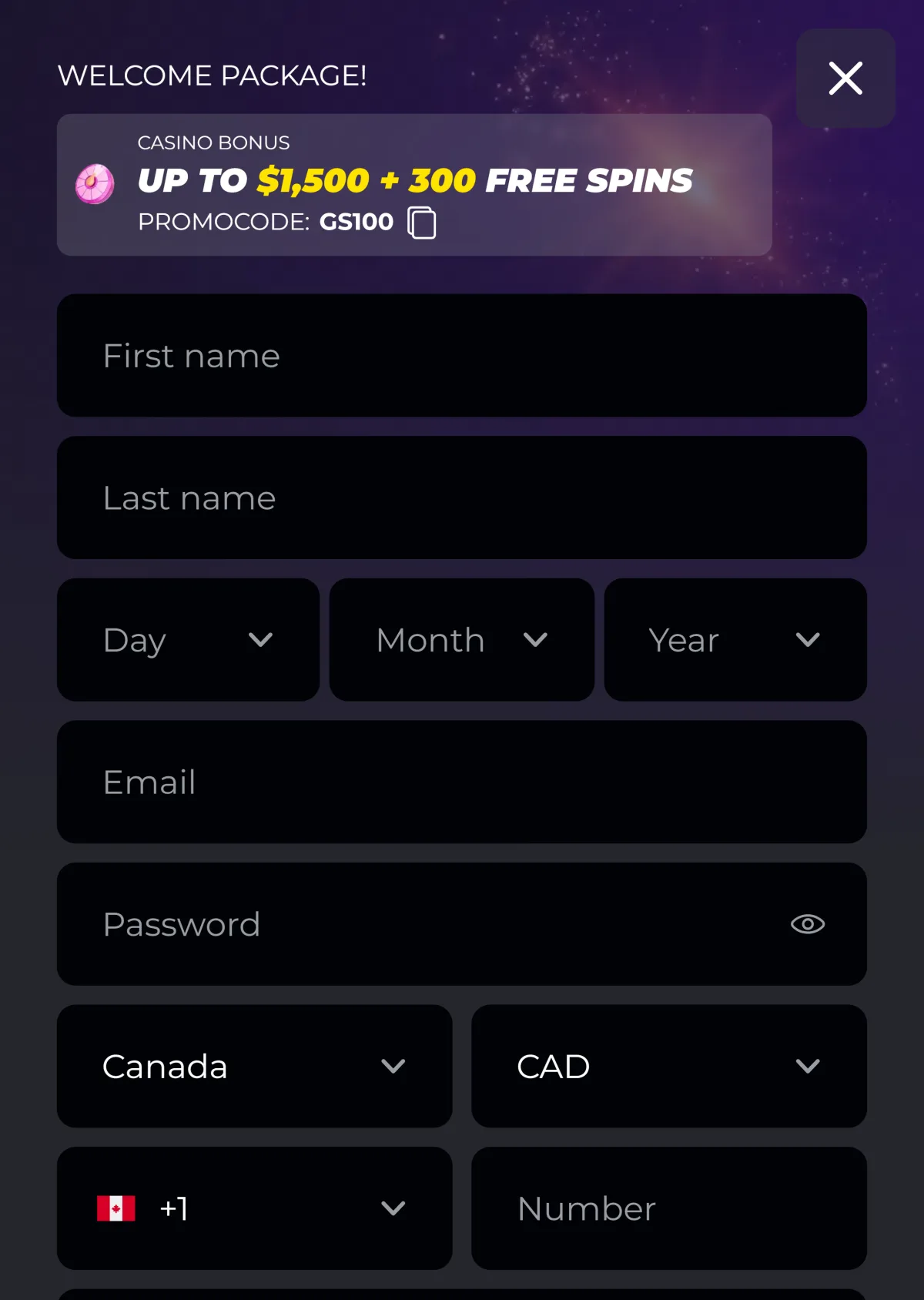
The mobile version uses the same form in a single column, and the installed web app opens it in full screen. Nothing about the process changes: the same fields, the same promo code and the same confirmation email. Installing the app first is worth it if you plan to play mainly from a phone, and the steps are on the Golden Star casino app page.
Account Verification and KYC
Verification is not part of registration. The cashier can request documents later, usually before a first withdrawal, on larger amounts or after a change of payment method. The standard set is a photo of an identity document and, when asked, proof of address. Checks normally take a few hours and up to 24 hours during busy periods, so sending clear, uncropped scans the first time is the quickest route through.
- Open your profile and go to the verification section.
- Upload a clear photo of an identity document.
- Add proof of address if the cashier asks for it.
- Wait for the review, normally a few hours and up to 24 at busy times.
Welcome Bonus After Registration
A new account unlocks the welcome package: 100% up to $1,500 plus 300 free spins on code GS100, from a minimum deposit of 30 CAD and with wagering of x40. The second and third deposits add 75% up to $750 with 50 spins and 50% up to $750, which brings the package to $3,000 and 350 spins. The code has to be entered before the payment is confirmed. Terms for every offer are on the Golden Star casino bonus page.

Common Registration Problems
Three problems come up regularly. A confirmation email that never arrives is usually in the spam folder, and requesting a second link is the fix if it is not. An address that is reported as taken means a profile already exists, and the right move is password recovery rather than a second registration, since duplicate accounts are closed. A promo code that did not apply cannot be added retroactively: it has to go in before the deposit is confirmed, so the next qualifying deposit is the earliest chance to use it. Support can confirm the state of an account through live chat, and contacts are on the support page.
Logging In After Registration
Once the email is confirmed, the account is opened from the Log in button in the top right corner using the same address and password. A social login option is available for profiles linked to one. The form, the recovery flow and the common error messages are covered on the Golden Star casino login page.